🏠 What Home Is For
The Home area is the KeySheet ribbon panel inside Revit. It is the launch point for connecting to a sheet, checking or applying updates, and creating a new published KeySheet from local keynote data.
🧰 Main Commands
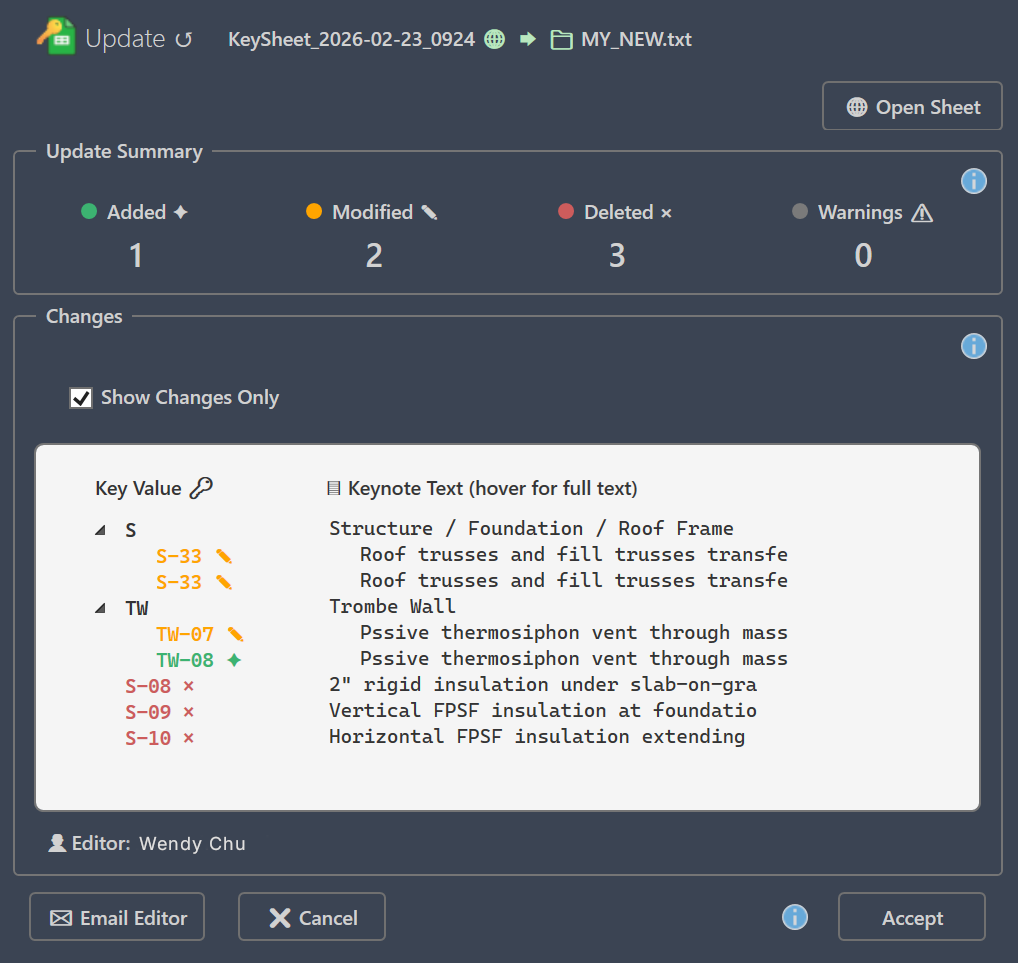
The panel exposes Connect, Update, and create actions (Publish Active, Publish Selected, and Create New). Tooltips follow the same workflow: connect, update from linked sheet, or publish from local keynote data.
🟢 State and Availability
The Connect icon indicates state: red (not connected), yellow (signed in with no active sheet), and green (linked and ready). Update is enabled only when a model is linked. Create actions require paid entitlement and Google-authenticated state.
✅ Recommended Flow
Start with Connect, then use Update when remote changes need to be applied locally. Use create actions when you want to publish a new KeySheet and optionally set it active.